Strong passphrases are a crucial aspect of cyber security, helping to protect online accounts and computer systems from threats like brute force attacks which could lead to data theft, identity fraud and even financial ruin.
A passphrase, in contrast to the traditionally shorter password, contains a sequence of words which, once created, is used during the authentication process to access online accounts, systems, networks and devices, etc.
Let’s take a closer look at passphrases, exploring key aspects like the different types and benefits, how to create them, and whether they are safer than their password counterparts.
What is a Passphrase?
A passphrase, or memorable phrase, is essentially a longer variant of the traditional password, typically containing a combination of at least four words (usually with minimal numbers, symbols and special characters) that’s easy to remember yet hard to hack.
Passphrases are commonly part of the login security process which allows users to access online accounts, devices, applications, services, systems and networks. They are also used for non-digital identity verification; for instance, when contacting your bank to discuss an account query.
Put simply, passphrases usually rely on a sentence or string of words (about 15-25 characters long) with a focus on length over complexity, whereas passwords (about 10-12 characters) tend to be shorter favouring complexity.
Passphrase Types & Examples
Here are some simple examples of passphrases to demonstrate how memorable word sequences can help to create a strong cyber security layer for logins:
- ‘A Watched Pot Never Boils’ – popular idioms/proverbs
- ‘MayTheForceBeWithYou’ – popular movie quotes/lyrics
- ‘Pythons Prefer Pizza’ – quirky, first-letter linked
- ‘Feral Octopus Rides Donkey’ – mnemonic/seemingly random (here for a first car: FORD)
- ‘My Dog Keeps Eating My Shoes’ – unfortunate facts
How to Create a Strong Passphrase
To create a strong, unique passphrase, try to focus on the three key elements: Length (at least 15 characters, and the longer the better), Complexity (special characters, substitutions and variations) and of course, Memorability (proverbs, song lyrics, expressions, etc).
Strong Passphrase Examples
Before we take a look at several key tips to consider when creating a strong passphrase, here are some more examples (with each gradually building in strength):
- ‘my passphrase is strong’ – it may be 24 characters long, including spaces, but it’s fairly ordinary
- ‘My Passphrase Is The Strongest’ – some extra characters and capitalization adds a bit more depth
- ‘My Pa55phra5e I5 The 5tronge5t’ – we’re getting into more security territory with a number substitution thrown in
- Now, you could go further still, and come up with something fairly complex like ‘My-Pa55phr5e-I5-5trong!’ – but remember, the more complex it becomes, the easier it may be to forget (more on that below)
Create a Strong Passphrase: Top 10 Tips
Strong passphrases rely on a whole lot more than just a string of hard-to-forget words, so when it comes to creating one, be sure to consider the following best practises:
- Make It Long – the most critical security element of a passphrase is its length, so set your sights beyond 15 characters (20-30 should be a good target)
- Make It Memorable – if your passphrase is both long and memorable, you’re off to a great start; make it easy-to-remember by drawing on inspiration from popular sayings, movie quotes and idioms, etc
- Avoid Logical Sequences – make cyber criminals’ brute force hacking attempts more difficult by avoiding familiar sequences; for instance, ‘OneTwoThreeFourFive’ or ‘1 two 3 four 5 six 7 eight’
- Be Out of Order – a simple yet effective way to increase passphrase depth is to mix up words, placing them backwards or out of order in some way; for instance, ‘MyDogKeepsEatingMyShoes’ could be ‘ShoesMyEatingKeepsDogMy’
- Never Use Personal Info – hackers often trawl through publicly-posted info (often found on social media) in hopes of finding details that could help them hack logins; for that reason, passphrases should never include your name, date of birth, address, or anything else made public (like your favourite sports team, etc)
- Passphrase, Not Password – it’s important to strike the right balance of memorability and complexity (after all, a passphrase that is too complex could become forgettable – which seems a little counterproductive); this whole issue could, however, be easily solved by using a passphrase manager, which we’ll discuss below
- New Account, Different Passphrase – using the same passphrase for your various logins could lead to mass unauthorized access should a hacker manage to breach a single account; instead, level-up your security by creating unique passphrases for each of your accounts
- Update Passphrases Regularly – just like passwords, passphrases aren’t immune from being hacked, so be sure to stay on top of this fundamental aspect of cyber security by updating them from time to time
- Never Share Passphrases – while it may sound obvious, it’s best to never share your passphrases; especially with anyone who has a habit of being careless with cyber security, including family, friends and associates
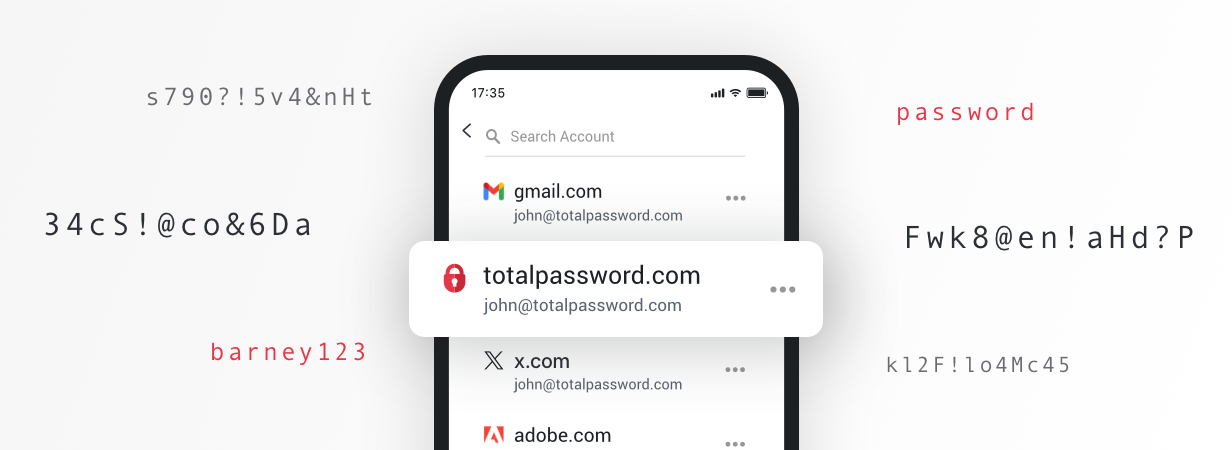
- Use a Passphrase Manager – since the best kind of passphrase tends to feature some complexity, you could simplify the ‘logins remembering game’ by using a passphrase manager; Total Password can generate and securely store all your passphrases, allowing you to access your numerous accounts with one-click logins
Passphrase or Password: Which is More Secure?
While some believe passphrases hold superior protection over passwords, it’s hard to objectively say if this really is the case. This is because the strength of a passphrase/password arguably comes down its actual construction.
There are, however, some general factors to consider if you’re looking to make the switch to using passphrases:
Pros of Using a Passphrase
- Easier to remember by using mnemonics, proverbs and lyrics, etc (as discussed further above), meaning that, unlike more complex passwords, passphrases may not need to be written down, leading to a more efficient, less frustrating user experience
- While it does depend on the actual passphrase itself, some believe that having a longer form of password (at least 15-20 words in length) is inherently more secure, since it should theoretically take longer for a cyber criminal’s hacking software to crack
- As passphrases are easier to remember, they may decrease the issue of password reuse/recycling, with users more likely to create unique passphrases for their individual accounts, bolstering online data security
Cons of Using a Passphrase
- Though longer, passphrases are generally more logically constructed and less complex, with a sequence of actual words sprinkled with minor character variation; some argue that passphrases could therefore be more easily decoded by dictionary brute force attacks (hacking tools that target dictionary-based words and phrases, with some capable of making character variations and substitutions like capitalization and letter-number switching)
- Following on, some therefore believe that contemporary passwords (known for their randomness and complexity) may be harder to crack as there are fewer detectable ‘human elements’ for hacking tools to mimic and exploit
- Some platforms and other online services were only built to receive traditional passwords, meaning that some passphrases may exceed character input limits; moreover, while some systems may allow very long passphrases, password-based creation rules (requiring numbers and symbols, etc) may still apply, which could ironically lead to a less memorable passphrase being created
Use Total Password – The Ultimate Logins Management Tool
Tired of having to create, update and remember passphrases (and passwords) for your various online accounts? Total Password, developed by the industry-leading and Award-Winning TotalAV, can generate strong, unique passphrases for you, and also securely store your various logins. Once effortlessly generated and stored in a highly secure vault (protected by a master password), you can instantly access your online accounts courtesy of one-click logins. Download the time-boosting Total Password today, and finally make forgetting logins a frustration of the past.