If your phone ran out of storage tomorrow, how many photos and videos would you lose forever?
For most of us, the answer is uncomfortable.
Years of birthday parties, holidays, first steps, and family milestones – all sitting on a single device that could be lost, stolen, or damaged at any time.
The Total Drive app is a secure cloud storage solution built by Total Security, the team behind TotalAV and other trusted privacy tools. It was designed with one clear goal: to give everyday people a simple, affordable way to keep their most important files safe and accessible from anywhere.
Total Drive offers generous storage at competitive prices, working across Android, iOS, Windows, and macOS.
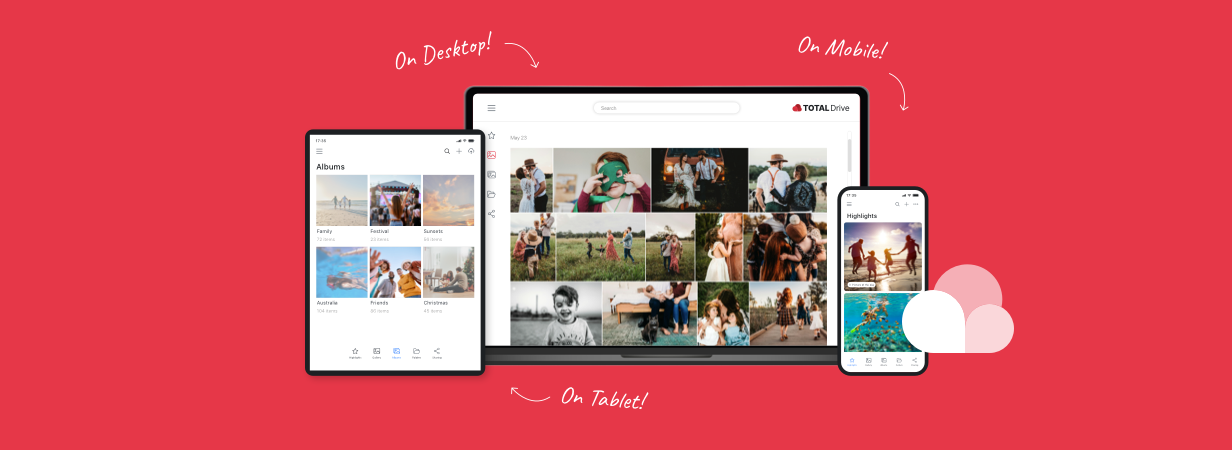
Whether you’re backing up a lifetime of family photos from your phone or storing important documents from your computer, the app keeps everything protected and synced across all your devices.
At the heart of Total Drive is advanced security technology – a built-in safeguard that protects your files from accidental deletion, data corruption, device failure, and even ransomware attacks. Your files aren’t just stored; they’re defended.
How to Download and Install Total Drive
Getting started with Total Drive takes just a few minutes, and you don’t need any technical know-how.
On Mobile
- Open the Total Drive app in Google Play Store (Android) or the App Store (iOS) on your phone or tablet.
- Tap Download or Get to install the app.
- Open Total Drive, create your account or sign in, and follow the short setup prompts.
- Grant the app permission to access your photos and videos so automatic backup can begin right away.
Total Drive for mobile supports Android 5.0 and above and iOS 12.0 and above, so it works on the vast majority of phones and tablets in use today.
On Desktop
- Visit the official Total Drive downloader website.
- Download the installer for your operating system.
- Run the installer and follow the on-screen instructions.
- Sign in with your Total Drive account, and a secure cloud storage folder will appear on your computer – ready to use.
Total Drive for desktop works on Windows 7 and above and macOS 10.9 and above.
Total Drive for Mobile: Key Features
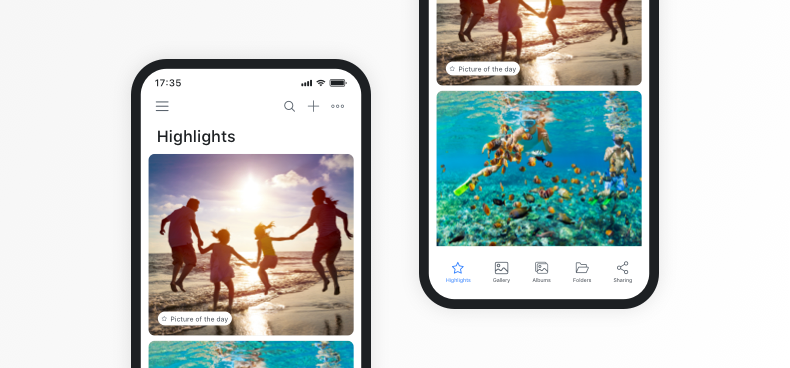
Automatic Cloud Backup
The moment you snap a photo or record a video, Total Drive can automatically back it up to the cloud. You don’t need to remember to do anything – it just works quietly in the background. This means that even if you lose your phone, drop it in water, or accidentally delete something, your memories are safe and waiting for you in the cloud.
Auto Free Up Space
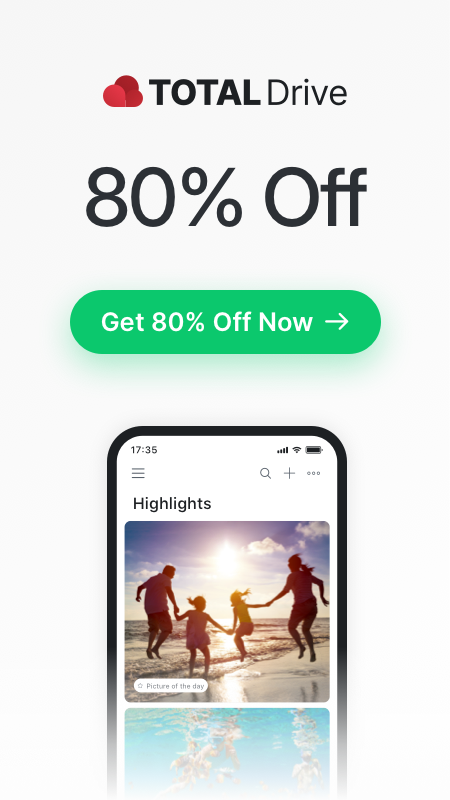
Running low on storage? Total Drive’s Auto Free Up Space feature removes backed-up content from your device while keeping full access to everything through the app. You get the storage space back on your phone without losing a single file. It’s like having a much bigger phone without buying a new one.
Smart Content Organisation
Total Drive automatically sorts your photos into galleries and albums, and organises your music into playlists. Instead of scrolling through thousands of unsorted files, you can find what you need quickly and easily.
Advanced Search
Looking for a specific photo from last summer? Total Drive’s search lets you find files by keyword, location, theme, or even the people in your photos. It’s fast and surprisingly accurate.
Offline Access
Heading somewhere without reliable internet? You can download any file from your cloud storage to your device for offline viewing. Your files are available whenever you need them, connection or not.
Media Streaming
On Android, Total Drive supports Chromecast, so you can cast your photos and videos directly to your TV. It’s a great way to share holiday snaps or home videos with the whole room.
Total Drive for Desktop: Key Features
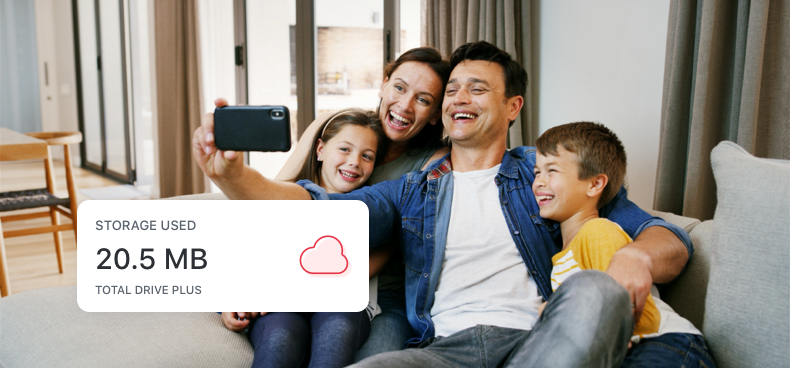
On your computer, Total Drive works like a standard folder – but everything inside it is securely backed up to the cloud. If you’ve ever dragged a file into a folder on your desktop, you already know how to use Total Drive.
Secure Cloud Folder
Once installed, Total Drive creates a dedicated folder on your computer. Anything you place inside it is automatically uploaded and backed up. It’s the easiest way to protect documents, music, spreadsheets, and any other files you can’t afford to lose.
Seamless Sync Across Devices
Files stored in Total Drive stay updated across your desktop, laptop, and mobile devices. Edit a document on your computer in the morning, and the latest version is ready on your phone by the afternoon. No cables, no manual transfers, no fuss.
Organised Storage and Advanced Search
Total Drive automatically sorts your files into logical folders and categories. When you need to find something specific, the built-in search lets you locate files instantly using keywords, dates, or file categories.
Instant File Sharing
Need to send a large file to someone? Total Drive lets you share files through secure links, email, or any platform you prefer. There’s no need to compress files or worry about attachment size limits. Your recipient gets a link, clicks it, and downloads the file – simple as that.
Keeping Your Files Safe: Security and Ransomware Protection
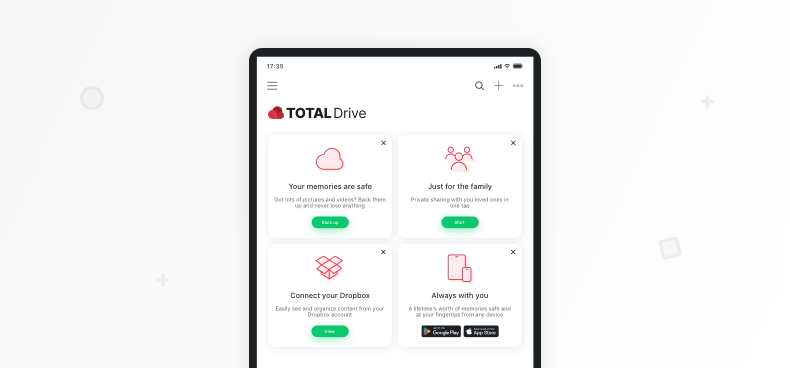
When it comes to storing personal files online, security isn’t optional – it’s everything. Total Drive was built with this in mind from the ground up.
Total Drive uses private encryption to protect your files. This means your data is secured both while it’s being transferred and while it’s stored in the cloud. Only you have access to your files – nobody else, not even Total Drive’s own team, can see your content.
Because your files are securely backed up in the cloud with built-in defences against ransomware, you won’t lose access to your data even if your device is compromised. You can simply restore your files from Total Drive and move on, without paying a penny to cybercriminals.
Seamless Sync and Access Across All Your Devices
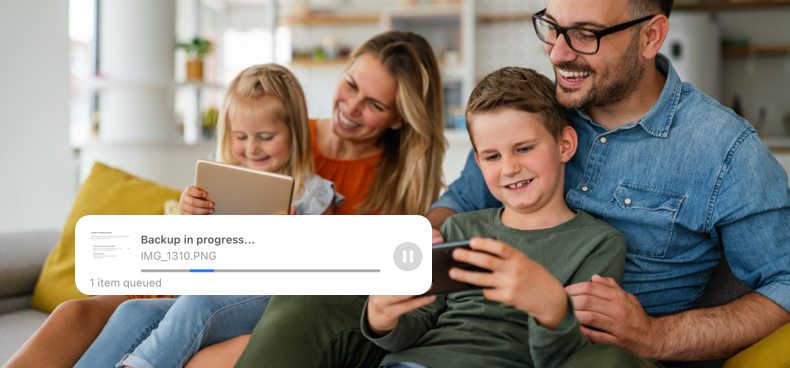
One of the biggest frustrations with digital files is that they always seem to be on the wrong device. The document you need is on your home computer. The photo you want to show someone is on your old phone. Total Drive solves this problem completely.
Total Drive syncs your files across every device where the app is installed. Upload a file from your phone, and it’s waiting on your desktop. Save a document on your laptop, and it appears on your tablet. Your entire digital library moves with you automatically.
You don’t always have an internet connection, and Total Drive accounts for that. Download any files you might need ahead of time, and they’re available offline whenever you need them. Once you’re back online, any changes sync up automatically.
Get Started with Total Drive Today
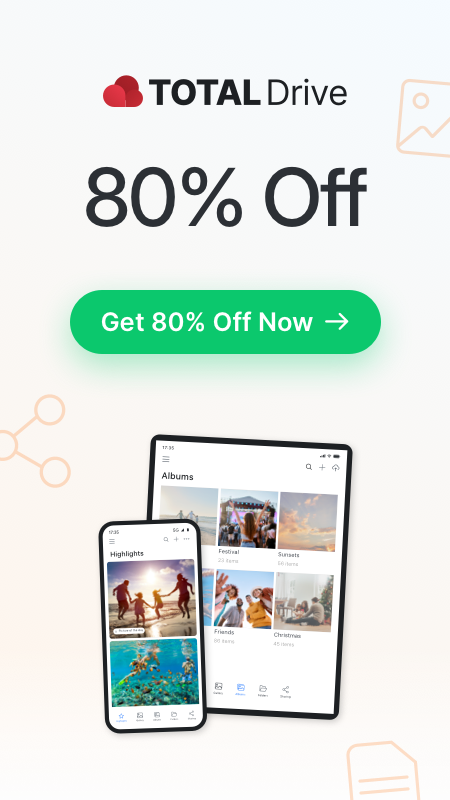
Your photos, videos, and documents are among the most personal and irreplaceable things you own. A lost phone, a broken laptop, or a ransomware attack could take them away in an instant.
Total Drive gives you a straightforward way to keep all of it safe. With generous storage, automatic backup, cross-device syncing, strong encryption, and family sharing – all in one easy-to-use app – it covers everything most people need from a cloud storage service (as you can see in our reviews).
Here’s what you get with Total Drive:
- Generous cloud storage at a price that makes sense
- Automatic backup for photos, videos, and documents
- Sync across all devices – phone, tablet, laptop, and desktop
- Ransomware protection and end-to-end encryption
- Family Sharing in a private, controlled space
- A 30-day money-back guarantee so you can try it with confidence
Getting started takes just a few minutes. Download Total Drive on your phone from the App Store or Google Play Store, or install it on your computer from the official website.
Your files will start backing up right away, and you’ll have the peace of mind that comes with knowing your most important memories and documents are always protected.
Don’t wait until something goes wrong. The best time to back up your files is before you need to.
Frequently Asked Questions About Total Drive
What devices and platforms does Total Drive support?
Total Drive works on Android (5.0 and above), iOS (12.0 and above), Windows (7 and above), and macOS (10.9 and above). It also supports web browser access through Chrome, Edge, Opera, and Safari. Your files sync automatically across every device where the app is installed.
How does Total Drive protect my files from ransomware?
Ransomware works by encrypting your files on your device and demanding payment for the decryption key. Because Total Drive stores your files securely in the cloud with built-in defences, your backed-up data remains safe even if your device is infected. You can restore your files from Total Drive without paying any ransom.
Can I share files and folders with my family securely?
Yes. Total Drive includes a Family Sharing feature that lets you create private groups with your family members. You can share photos, videos, and albums within these groups, and only approved members can see the content. Your personal files stay completely private and separate from anything you choose to share.
How do I free up space on my phone using Total Drive?
Once your photos and videos are backed up to Total Drive, you can use the Auto Free Up Space feature to remove the local copies from your phone. The files remain fully accessible through the Total Drive app – they’re just stored in the cloud instead of taking up space on your device. If you ever need a file back on your phone, you can download it again with a single tap.