Are your iPhone’s “Storage Full” warnings driving you nuts? If you are no longer able to use it for the most basic things like receiving messages or storing photos, this article is for you. It will share with you the best ways to clean up your iPhone storage so you can continue using it without a hassle.
But before we cover the solutions, let’s first look at the causes of the storage issues.
Why Your iPhone Has Run Out of Storage
There are many reasons your iPhone could have run out of storage, such as:
System Data Issue (Bugs)
Normal iPhone system data should take up a maximum of 2 GB. However, there have been cases of users continuing to receive warnings even after deleting data.
Too Many Photos and Videos

Phones provide a convenient and more affordable way to capture memories at any time or day of the week. In addition, they come with advanced editing suites that make it so much easier for anyone without a professional photography background to transform ordinary images into masterpieces. However, storing too many photos could quickly fill up your iPhone’s memory.
Duplicate and Similar Images
Too many duplicate photos can eventually fill up your iPhone’s memory. Another cause of similar photos is when you use an editing app, and your device saves both the original and the edit.
Large Video and Audio Files
Do you save videos from your favourite TV shows, podcasts or musicians? A minute of high-resolution video takes up 400 MB. So you can imagine how much space a whole song or movie can occupy.
Unused Apps
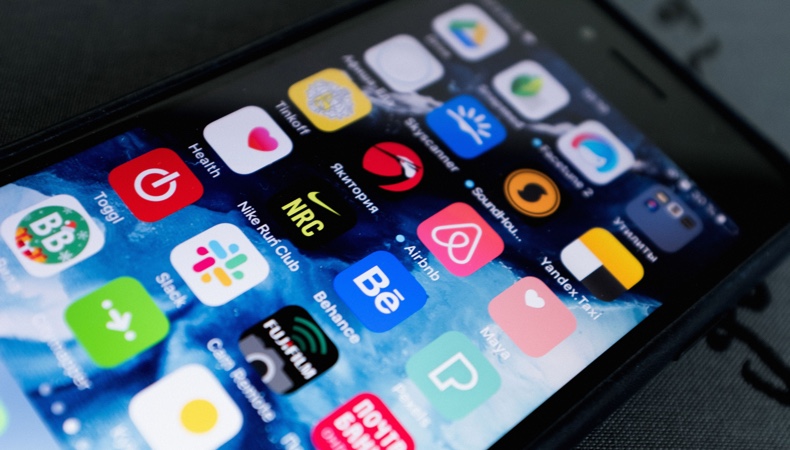
Most people assume that apps they don’t use regularly don’t consume any space. They do. Even opening them once and saving your preferences could take up valuable space.
Safari Cache
All iPhones come with a pre-installed Safari browser. Every time you browse the internet, a cache forms automatically. Over time, it can get bigger, eating up your phone’s space.
Downloaded Files and Attachments
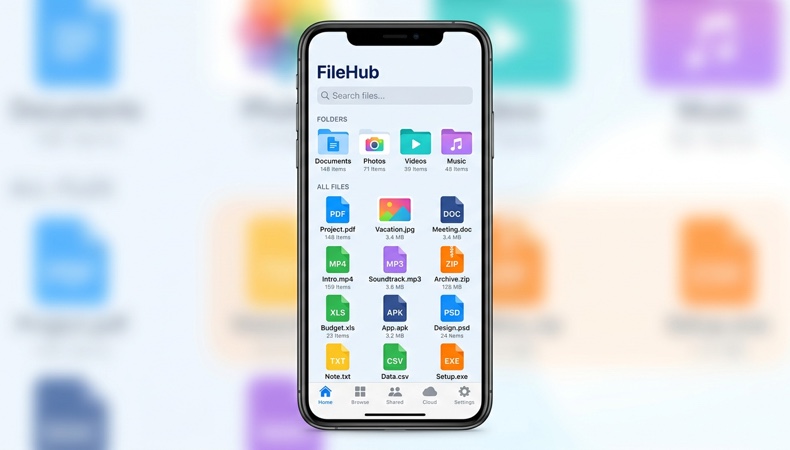
File downloads and attachments can also make your iPhone storage full. These could be from:
- Work-related emails – PDFs and web files
- Social media – images and funny video clips
- TV shows – Netflix
How Full Storage Affects Your iPhone
This is what happens to your device when it has no more memory:
Slower Performance
You’ll notice that even the most basic tasks like typing or opening apps will become painfully slow.
Camera Issues
Your iPhone needs extra storage to take, process, and save images. If it doesn’t have any space left, it will flash the message “ Cannot Take Photo – there is not enough available storage ” and block this function entirely.
Failed iOS Updates
Updating your iPhone regularly helps get rid of vulnerabilities that cybercriminals could exploit to hack your phone. It also ensures you get access to new features.
However, it’s essential to note that your phone needs room to complete these updates.
Inability to Install Apps
Need new apps for work or entertainment? You will not be able to download them if it has no more storage capacity.
Reduced Space for New Photos and Videos
As your device’s space starts to fill up, you won’t be able to store new images or videos in it.
The good news is that it’s possible to solve this problem. We’ll cover genius yet easy ways in our next section.
Best Ways to Clean Up Your iPhone Storage
Here are some iPhone storage tips:
1. Remove Large Videos, Audios and Files
Too many large files, videos, and voice memos on your phone? Delete them and free up tons of space.
2. Use Optimise Photo Storage
Not ready to let go of your full-resolution photos? ‘Optimise photo storage’ is a handy iPhone feature that can help you keep your images and save space. It enables you to store your images in iCloud where you can access them at any time.
3. Delete Unused Apps
Your iPhone came with about 35+ inbuilt apps.
Chances are that you use about 10. Maybe even less. Whatever the number may be, check your apps and get rid of those you don’t need. To identify the apps you rarely use:
- Head over to Settings
- Hit General
- Tap on iPhone Storage
- This will bring up your app list, along with the Last Used date
- Remove the unnecessary ones
4. Clean Up Downloads and Messages
Another quick way to free your storage space is to go through your messages and delete any texts and downloads you no longer need.
5. Delete Duplicate & Similar Photos
Love taking multiple shots so you can pick the best ones later? You might end up filling up your phone’s storage with similar-looking burst photos sooner or later. So, constantly comb through your gallery and camera to remove them.
6. Use Total Cleaner

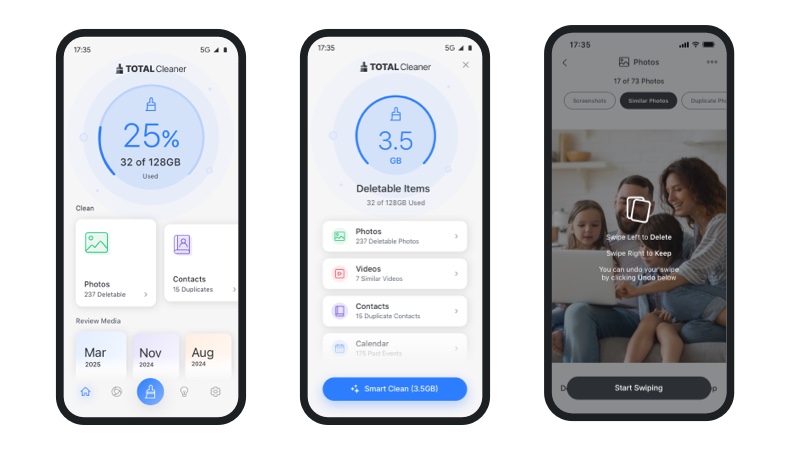
Total Cleaner is an innovative solution that makes storage cleanup so much easier. It will help you:
Find Duplicate Photos, Large Videos and Screenshots
No time to go through your gallery to find images that are eating up your space? Total Cleaner will find them so you can remove whatever you no longer need and reclaim your storage space.
Quickly Free Up Storage
Manually finding the right items to get rid of can be tiring. But not with this iPhone storage cleaner. It will do this in the shortest time possible.
Organise Photo Libraries
A cluttered gallery can be an eyesore. It can also make it harder to find whatever you need. Total Cleaner is the best iPhone cleaner app because it organises your media into neat categories.
Reduce Manual Searching
Spending too much time manually searching for the items you need to delete? Total Cleaner will automatically find redundant photos, heavy videos, apps and more, so you can delete whatever is eating up your space.
Benefits of Regular Storage Maintenance
Now that we’ve learned how to get more storage on iPhone, let’s look at the advantages of maintaining your storage.
Creates more Room for Photos
You don’t have to stop capturing memories. Just delete repetitive images or blurry selfies and continue saving the images you really want to keep.
Makes Day-to-day Performance Faster
A slow phone that takes forever to start up or open apps can be frustrating. Optimising your iPhone’s space often can ensure it works as good as new.
Makes Backups Easier
If your iCloud is no longer backing up data, chances are that it doesn’t have enough room to do this. Maintain your storage regularly to avoid this.
iOS Updates Become Smoother
Experiencing hiccups with your iOS updates? Free up space on your iPhone for a smoother experience using routine storage maintenance.
Organises Your Storage
Keep your files and apps organised to avoid spending too much time locating individual items through proper storage maintenance.
Conclusion
Some of the best ways to clean up your iPhone storage are to delete large files, duplicate photos and clear web/app cache. Tools like Total Cleaner do a thorough job with this.
This tool is user-friendly, so you don’t need a technical background to use it. It also doesn’t require manual work, so you won’t feel like you’re doing an extra job when using it.
Click here for a 80% discount on Total Cleaner.
FAQs
Why is my iPhone storage full?
There are so many reasons your iPhone’s storage could be full. These range from duplicate photos, high-resolution videos, system bugs and more.
What’s taking up the most space on my iPhone?
Go to Settings >> General >> iPhone Storage. A colour-coded chart will show you the item that is taking up the most space.
How do I free up storage without deleting my photos?
The best way to free up your storage without getting rid of your photos is to transfer them to a Cloud Storage solution like Total Drive.
How can I remove duplicate photos on my iPhone?
Remove duplicate photos on your iPhone by using tools like Total Cleaner to identify and delete them.
Is Total Cleaner safe to use?
Yes, Total Cleaner is perfectly safe to use.
How often should I clean up my iPhone storage?
There is no specific guidance on how often you should clean your phone. The best solution is to use a cleaning tool that can quickly assist you when your storage starts filling up.