There’s an ongoing myth that iPhones are unhackable because of their superior security features. This isn’t true. Any determined cybercriminal can hack into any device, and iPhones are no exception. You’re probably wondering, “What are the signs my iPhone has been hacked?”
In this blog post, we’ll discuss why iPhones are such a hot target for cybercriminals. We’ll also share in-depth information that will help you easily spot signs of a breach. In addition, we’ll give you handy preventative tips that enable you to make it harder for a hacker to compromise your gadget.
Reasons Cyber Criminals are Hacking iPhones
To Steal Sensitive Data
There are approximately 1.38+ billion active iPhone users worldwide. They utilise their gadgets to make calls, send messages, access social media, log into their bank account and so on. Some of these activities require one to key in personal details, and this is exactly what cybercriminals are looking for.
To steal this data, they infect the gadgets with malware and other viruses. They then use the information as leverage in exchange for ransom. Others sell this type of information on the dark web – a very lucrative space for all sorts of digital crimes.
Hackers-for-Hire
Business competitors, disgruntled employees, or jilted lovers may want to hack into iPhones for malicious gains, so they hire cybercriminals to help them compromise target devices.
Presence of Exploitable Vulnerabilities
Cybercriminals can use iPhone software or hardware flaws to compromise them. Some recent examples are Safari and WebKit, which Apple recently discovered.
Here’s a case in point: In January 2026, Apple issued a warning of a vulnerability. Hackers tricked unsuspecting users into running malicious code on their devices. This enabled them to steal passwords. The good news is that Apple has already issued a patch for this vulnerability.
However, it is essential to note that these types of attacks won’t end here. Hackers are known to be relentless when it comes to launching sophisticated attacks. This has especially been made possible by technological advancements, like Artificial Intelligence (AI). It makes it easier for them to launch cyber attacks at scale more quickly.
That means that even if the company has managed to seal these loopholes, cybercriminals will launch many others in the future. The trick is to always stay vigilant.
This is why it’s so important to learn the signs of a hacked iPhone. Knowing this information can enable you to mitigate an attack before it worsens.
How to check if your iPhone has been hacked
Here are some indicators that a cybercriminal might have gained unauthorised access to your phone:
Calls or Texts to or from Unknown Numbers
Check your phone bill regularly. The appearance of strange numbers that you haven’t called or texted is a good indicator that someone other than you has control of your phone.
Overheating Phone
Viruses are energy-intensive, meaning they consume a lot of computing power to run unauthorised workloads. This causes them to generate an unusual amount of heat that you wouldn’t expect from a gadget that is functioning normally.
High Data Usage
Your iPhone’s internet traffic can reveal the presence of malicious apps. Therefore, if it’s consuming more data bundles than usual, chances are that unauthorised programs or viruses are running in the background.
To check your data usage, go to ‘Settings’ and then tap on Mobile Service. This will show you data usage for every app installed on your device.
Slow Performance
It’s normal for older phones to take longer to perform some actions, like opening web pages. However, if this is happening to a new device, chances are that you’ve been hacked.
Loss of Mobile Service
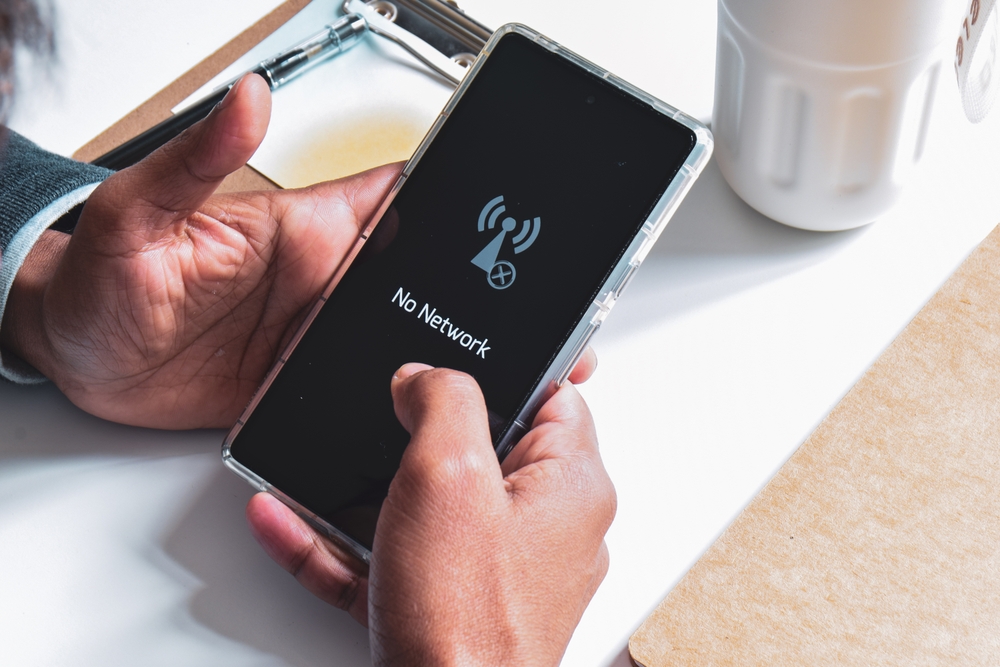
Another indicator of a hacked iPhone is the inability to make calls, send text messages, or access your apps. However, if this is also happening to others who use a similar phone type, this could be an issue with your ISP.
Spammy Ads
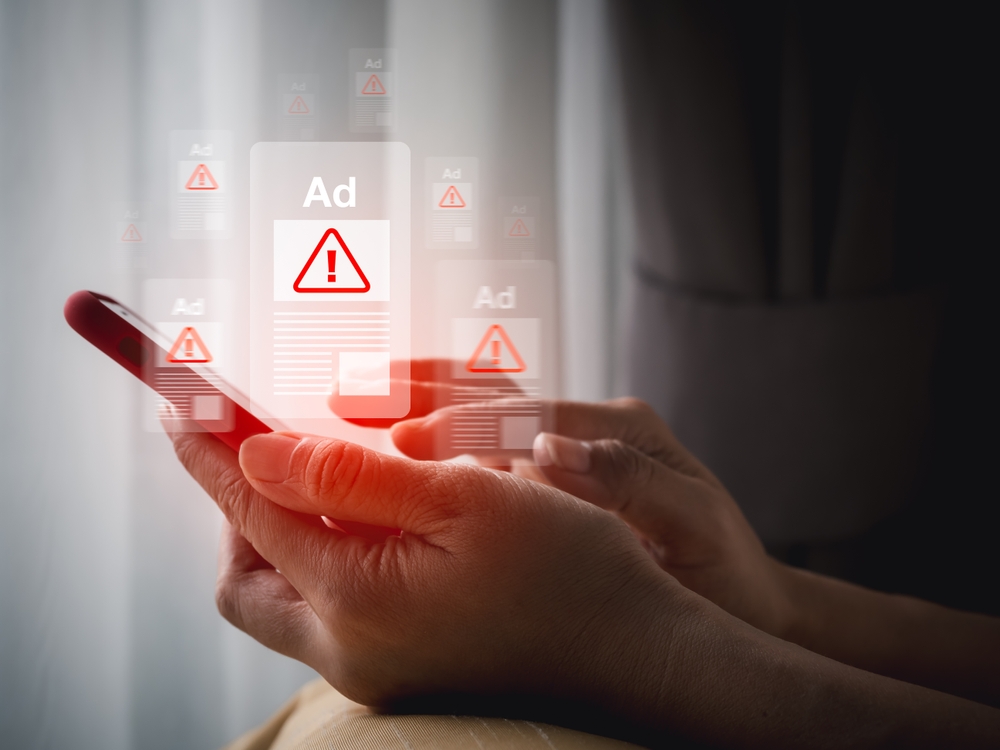
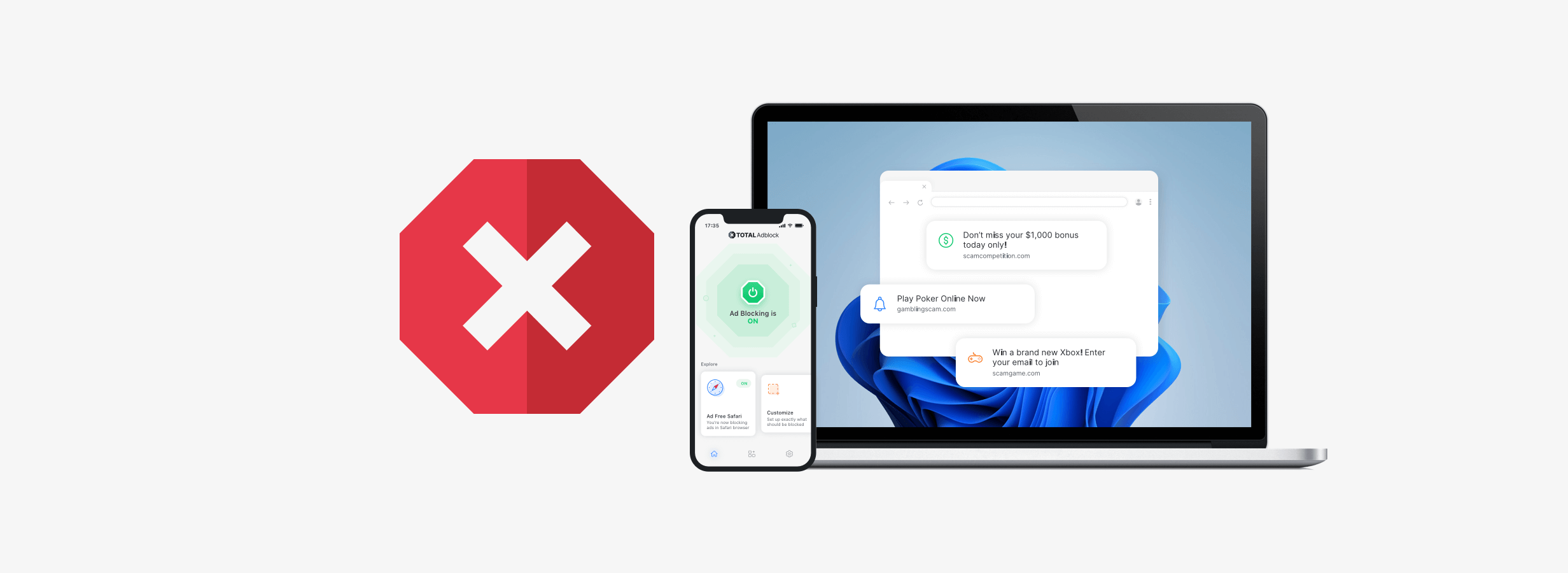
These appear in the form of persistent push notifications, pop-ups, or redirects. They sometimes occupy your full screen, making it harder for you to cancel or navigate your gadget unless you touch them. This action downloads malware into your phone.
Battery Issues
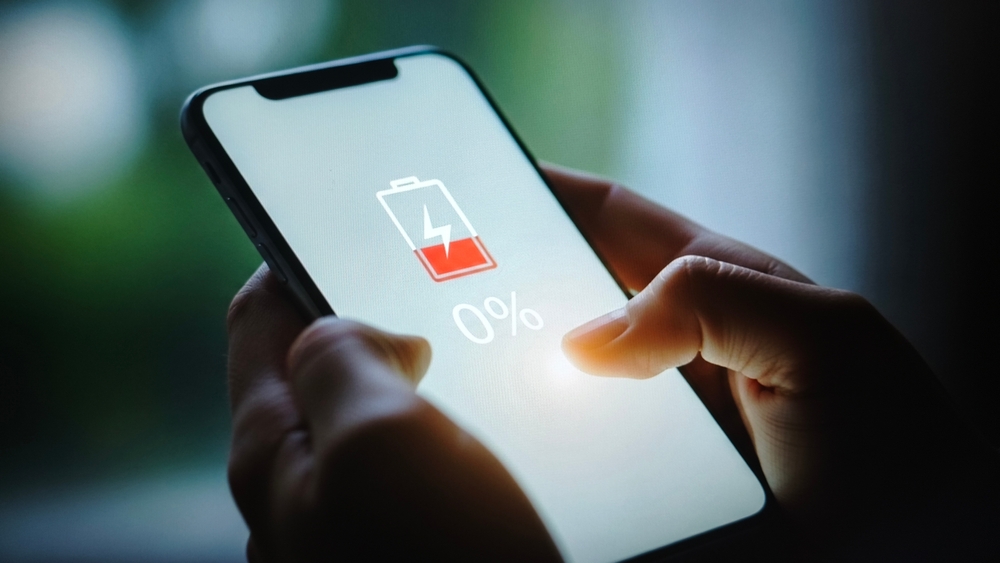
Malware uses a lot of power to run in the background, which drains the battery. So, always check its usage for the last few days from your settings for apps without screen time that use up too much power.
Being Locked Out of Your Apple ID
Is your Apple ID no longer working? Someone with bad intentions (read hacker) has changed your login details. The good news is that you can use another device to reset your password.
Unauthorised App Subscriptions
Have you checked your apps lately? Make this a habit, as it will reveal any programs that you haven’t subscribed to.
Background Noise
Too much noise during calls – static, clicks, or weird voices? A cybercriminal is probably eavesdropping.
What to Do if Your iPhone has been Hacked
So, your phone is exhibiting the behaviour we’ve mentioned above; what next?
Here’s what to do.
Change Your Password
If your device is acting up due to malware, it’s just a matter of time before the hacker gets hold of your passwords. To prevent this from happening, get ahead of them by using a different device to change logins to your bank accounts, email or social media profiles.
Our software Total Password allows you to create secure random passwords and save them in an encrypted vault.
Remove Unknown Apps
It’s essential to know that, as much as the App Store tries to maintain a clean house. However, hackers can be sneaky, and malicious apps can still slip through the cracks. This is especially so when they disguise malware as programs that run legitimate functions.
Reset Your Phone
Back up your data and restore your phone to factory settings. This could remove malicious apps.
Flash Your Firmware
If you’re seeing no change, try kicking a hacker out of your device by deleting your operating system (OS). After that, reinstall it afresh.
Report To Apple
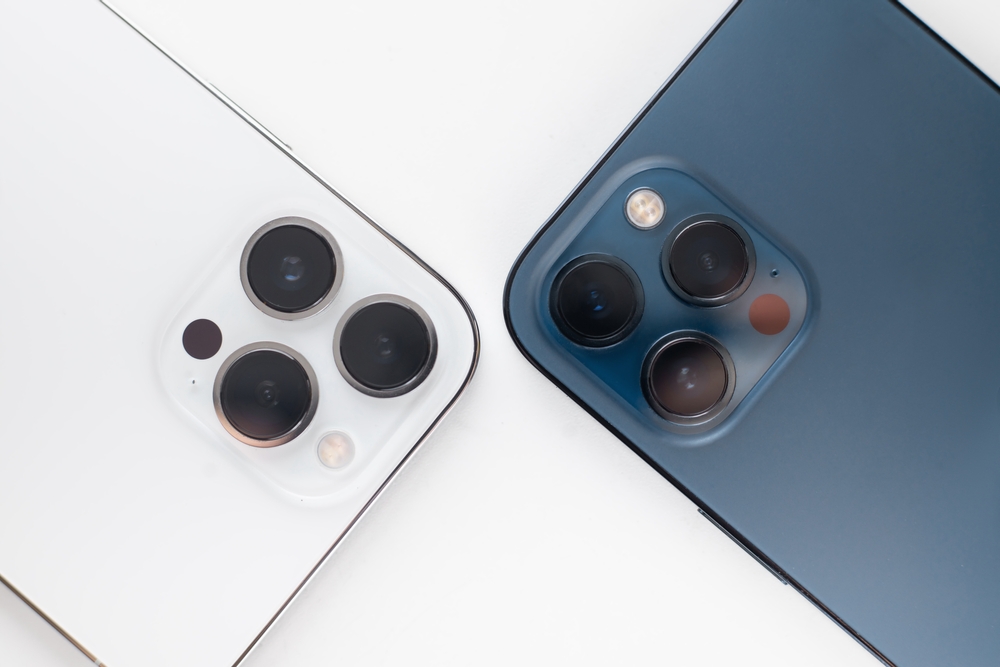
Ensure that you notify Apple the second you spot a vulnerability. The organisation will review your report, conduct investigations, create a solution, and then release it for users to patch up. You might also end up getting a reward under Apple’s Security Bounty Program!
Preventive Approaches to Stop Your iPhone From Getting Hacked
Prevention is better than a cure when it comes to mitigating hacking. This way, you don’t have to deal with the aftermath of a data breach, like reputational damage, financial loss, or fines from regulatory bodies. Here’s how to do this effectively.
Avoid QR Codes Found in Public Places
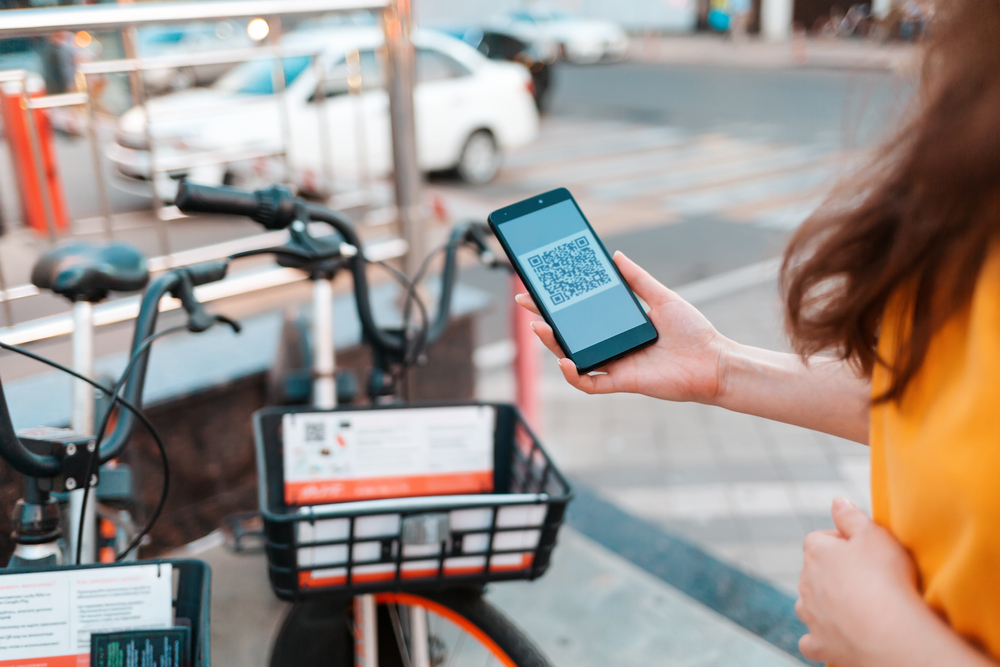
Heard of Quishing? This is an attack vector where cybercriminals layer a malicious QR code on top of a legitimate one. Their goal is to harvest sensitive personal or financial data from unsuspecting users. Note that fraudsters can use the same code to carry out more than one attack.
Notre TotalAV software protects against QR Phishing techniques, where the app will check the safety of the QR code destination before taking you there.
Keep Your Phone Updated
App and phone manufacturers are always releasing patches to seal security loopholes their products may have. Therefore, make sure you regularly scan for updates and update to the latest web versions.
Install An Antivirus
Stop hackers before they attack by installing an antivirus solution like TotalAV. This solution comes with so many advantages, such as:
Works in Realtime
Our TotalAV antivirus is on guard around the clock. This enables it to detect any threats in your phone, whether from installations or downloads.
Blocks Threats
Finding malware is one thing. Blocking it is a whole other ballgame. One of the best things about TotalAV is that it prevents hackers from attempting to gain unauthorised access in the future.
Scans Automatically
It is possible to forget to scan your device if you have a busy schedule. Fortunately, you never have to worry about this with our antivirus, as our antivirus schedules them to run automatically.
Blocks Ads
Unsolicited ads could expose your device to security risks. With Total Adblock, you can say bye-bye to hackers or sudden, frequent interruptions to your browsing.
Stores Passwords Securely
Hackers can snoop into unprotected devices with the intention of stealing login credentials. This tool’s Mot de passe total feature prevents you from accidentally exposing your login information by storing it securely.
VPN for Safe Browsing
Notre VPN uses AES-256, an advanced cryptographic algorithm, to encrypt your data on private and public WiFi. It also comes with a kill switch to protect your devices in case of sudden network disconnection. In addition, it has a no-log policy to ensure hackers find nothing whenever they try to pry.
En conclusion
The threat surface keeps evolving fast these days. We can’t be sure what cybercriminals will come up with next. We also can’t be sure of when they’ll strike. So don’t be caught unawares.
Be vigilant and proactive in maintaining strong security defences. Ensure your iPhone is protected from hackers 24/7 by installing an antivirus solution like Total AV.
Our solution comes with top-tier security features. It’s compatible with different operating systems such as Windows, Android, Mac and iOS. What’s more? It’s multilingual, meaning it serves users across 13 languages internationally.