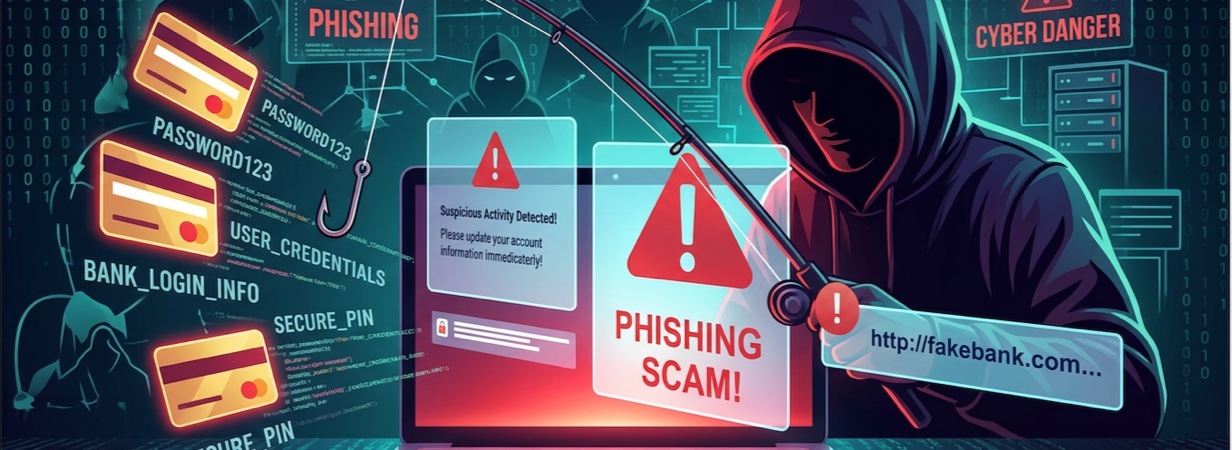
According to the Department for Science, Innovation and Technology (DSIT), phishing is the most common attack tool for cybercriminals. Hackers are now impersonating legitimate websites with the intention of tricking unsuspecting victims to reveal their login information. This blog post will share the best tool to spot fake websites with you, so you can protect your business or personal devices.
What Are Fake Websites?
Fake websites are known as cloned or spoofed sites. They impersonate government institutions, banking, retail, or healthcare businesses, to name a few. Cybercriminals copy the logos, fonts, brand colours, and layouts of legitimate web pages to masquerade as them.
The main goal of fake sites is to trick users into engaging with them so that they can steal their login details, like passwords. The scammers then either immediately encrypt their data and demand ransom payments, empty their bank accounts, or store the details to scam them later.
Why Fake Websites Are So Dangerous
Scammers create fake websites to:
Steal Passwords and Payment Information
Fake websites have deceptive login pages that require you to enter your password and other sensitive details. Once the hackers behind them get your logins, they will use them to log into your account and steal your money.
Harvest Personal Data
Unsafe websites will often harvest your personal data and sell it for profit on the dark web. Cybercriminals can also use this data to steal your brand’s identity.
Spread Malware
Hackers can use fake websites to spread malware by tricking users into downloading malicious scripts and files.
How to Spot a Fake Website
Knowing how to identify a dangerous website can help you stay safe from cyber attackers.
Check the URL Carefully
Improve your browser security by checking every URL for odd domains with additional words or swapped letters (from lower to upper case).
An example of a fake URL is PAypal dot com instead of paypal dot com.
Look For Spelling Mistakes
Reputable businesses will hire top-of-the-range copywriters to create their articles. Therefore, you will never encounter grammatical errors on their web pages.
Be Cautious Of Unrealistic Offers
Phishing website protection requires you to be very keen on offers. Do they sound far-fetched? Is the messaging rushing you to take up the offer? This could be a scammer.
Review Contact Information
Use third-party tools like Truecaller to reverse search phone numbers. If a strange name shows up, you are dealing with a fake website. Another tell-tale sign is an email address that does not match the domain.
Watch For Poor Website Design
Another way to spot a malicious website is to assess its design. Does it have blurry images, broken navigation or unresponsive seals? A cybercriminal is behind it.
Avoid Unexpected Pop-Ups
If you’re browsing on the web and pop-ups and other aggressive ads show up out of nowhere, do not click on them.
Check For Secure Payment Methods
A legit website will use well-known payment methods like credit cards, debit cards, PayPal, Stripe or Wise, amongst others. On the other hand, scammers prefer options that are not reversible, such as:
- Gift cards
- Wire transfers
- P2P apps (Cash App or Venmo)
Search For Independent Reviews
Reviews on external websites like Trustpilot or Reddit will tell you everything you need to know about a site. Alternatively, type the site’s name on Google search followed by words like ‘reviews’ or ‘ratings’. A normal site should have positive and negative reviews. In addition, its rating should not be too low.
Why Manual Checks Can Fail
Cybercriminals are becoming smarter by the day. They are covering their tracks by:
- Copy-pasting content so there are no grammatical errors
- Purchasing HTTPS certificates to make the site appear secure
- Posting fake reviews
Use Total WebShield: The Best Tool To Spot Fake Websites
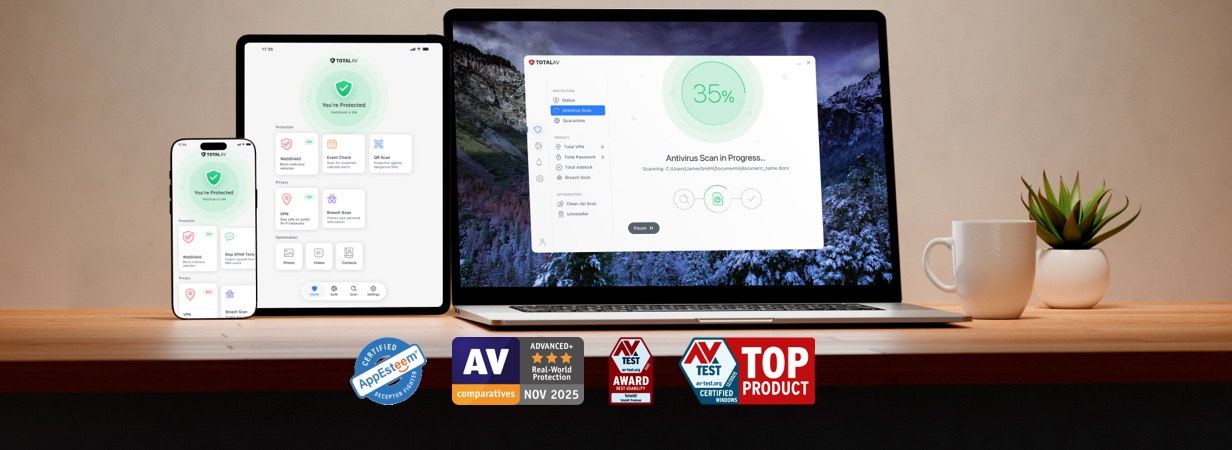
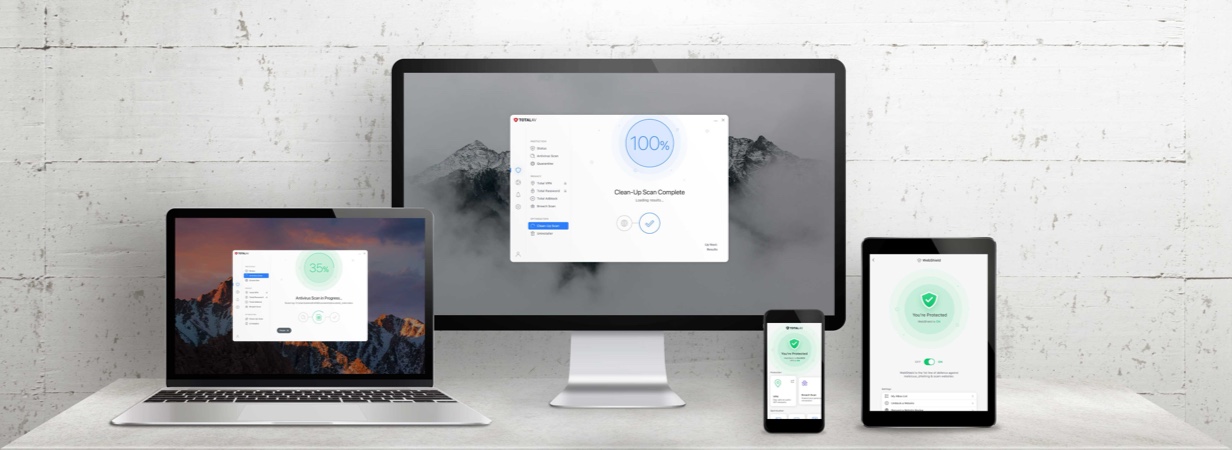
Total WebShield can improve your online safety while browsing the internet in real time. It does an amazing job protecting users from phishing, malware, ransomware, and other viruses. If you already have a TotalAV account, you will get Total WebShield free of charge.
Here’s what our solution will help you do:
Detect Known Malicious Websites
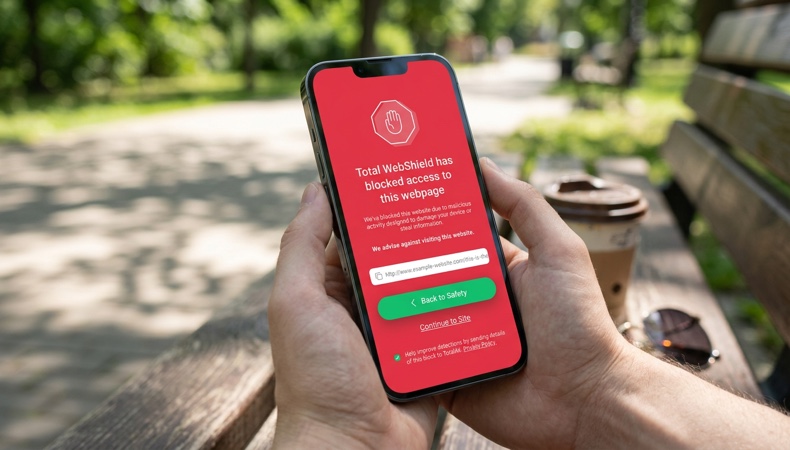
Total WebShield comes with advanced scam website detection capabilities. It will highlight malicious sites in search results and warn you so you don’t click on their links.
Block Phishing Pages
Total WebShield is an excellent website safety checker that can detect and block phishing web pages.
Monitort het Dark Web
Deze tool controleert openbare datalekken om te zien of uw e-mailadres is gecompromitteerd en waarschuwt u vervolgens.
Realtime waarschuwingen
Deze beveiligingstool tegen kwaadaardige websites werkt altijd op de achtergrond om te controleren of u op het punt staat een gevaarlijke site te bezoeken. U wordt hier direct over geïnformeerd, zodat u deze kunt vermijden.
Voeg een extra beschermingslaag toe tijdens het browsen
Deze websitebeveiligingstool is compatibel met browsers zoals Chrome, Edge, Opera en Brave. Dit zorgt ervoor dat u veilig bent wanneer u online bent.
Conclusie
Total WebShield is de beste tool om nepwebsites te ontdekken vanwege de krachtige functies zoals realtime bescherming. Het bewaakt het dark web, zoekresultaten en meer. Het stuurt je ook waarschuwingen over verdachte sites, zodat je er niet mee in zee gaat.
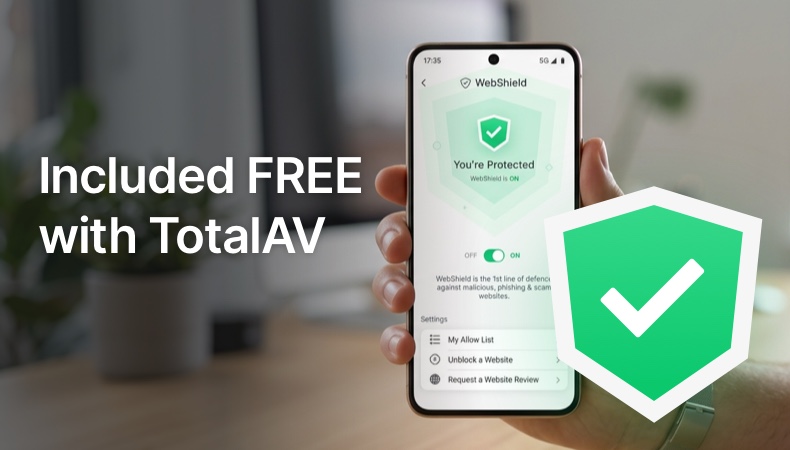
Total WebShield wordt GRATIS meegeleverd met TotalAV en biedt je een extra beschermingslaag terwijl je online surft. Het helpt bij het opsporen en blokkeren van schadelijke websites, phishing- en oplichtingssites voordat deze je wachtwoorden, betalingsgegevens of persoonlijke informatie kunnen stelen. Total WebShield werkt op de achtergrond terwijl u op het internet surft en maakt het gemakkelijker om met meer vertrouwen online te surfen, te winkelen en te bankieren – zonder dat u een aparte tool voor webbeveiliging hoeft aan te schaffen.
Koop TotalAV met 80% korting en geniet gratis van alle functies van Total WebShield. Om deze webbeveiligingstool te gaan gebruiken, downloaden het hier.
Veelgestelde vragen
Hoe kan ik zien of een website nep is?
Let op waarschuwingssignalen zoals een verkeerd gespeld webadres, spelfouten, onrealistische aanbiedingen, ontbrekende contactgegevens of dringende verzoeken om betaling of persoonlijke gegevens. Controleer of de website HTTPS gebruikt, zoek naar onafhankelijke beoordelingen en klik niet op links die je onverwacht via e-mail of sms ontvangt.
Wat is de beste tool om neppe websites te herkennen?
De beste tool voor online oplichtingsbescherming is Total WebShield. Het heeft robuuste beveiligingsfuncties zoals:
- Online bedreigingsbeveiliging
- Pop-upblokkering
- Real-time inbreukwaarschuwingen
- Darkwebmonitoring
- Veilige resultaten markeren
Kan antivirussoftware phishing-websites opsporen?
Antivirussoftware alleen is niet voldoende om alle phishingwebsites op te sporen. Gloednieuwe oplichtingspagina’s worden mogelijk nog niet gedetecteerd. Om phishingwebsites op te sporen, zijn browserextensies zoals Total WebShield nodig.
Wordt Total WebShield meegeleverd bij TotalAV?
Ja, dit is gratis inbegrepen bij TotalAV.
Wat moet ik doen als ik op een valse website terechtkom?
Als je een valse website bezoekt, sluit de pagina dan onmiddellijk en download niets en voer geen persoonlijke gegevens in. Als je een wachtwoord hebt ingevoerd, wijzig dit dan meteen overal waar het ook is gebruikt, schakel tweefactorauthenticatie in en voer een beveiligingsscan uit. Als je betalingsgegevens hebt gedeeld, neem dan contact op met je bank en houd je rekeningen in de gaten op verdachte activiteiten.
Je kunt valse websites melden bij Total WebShield hier.