Why You Need a Password Manager in 2026
Every year, data breaches expose billions of login credentials.
If even one of your passwords gets exposed, hackers will try that same email and password combination on hundreds of other websites within seconds.
This type of attack, known as credential stuffing, is one of the most common ways people lose access to their accounts or become victims of identity theft.
Here’s the problem: most people still reuse the same password (or small variations of it) across multiple websites. It makes sense as remembering dozens of unique passwords is practically impossible.
But it also means that a single breach can compromise your email, your bank account, your social media, and more.
That’s where Total Password comes in.
What Is Total Password?
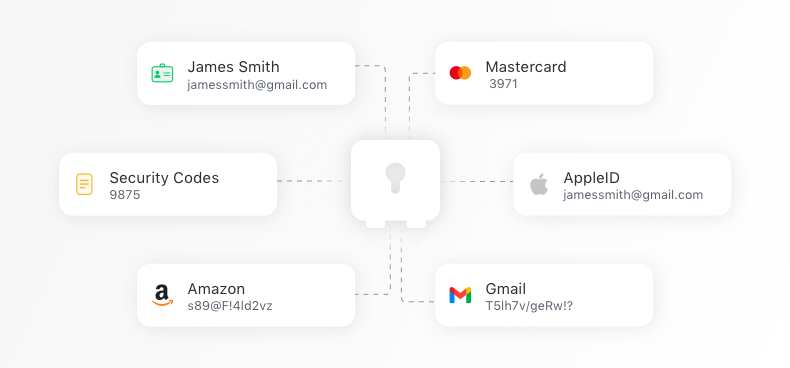
Total Password is a password manager that creates, stores, and syncs your passwords across all your devices.
When you sign up for a new website or need to change a password, Total Password generates a long, random, and completely unique password for you. You never need to think about whether it’s strong enough or whether you’ve used it somewhere else. It handles all of that automatically.
Secure Password Vault: Your Passwords, Fully Protected
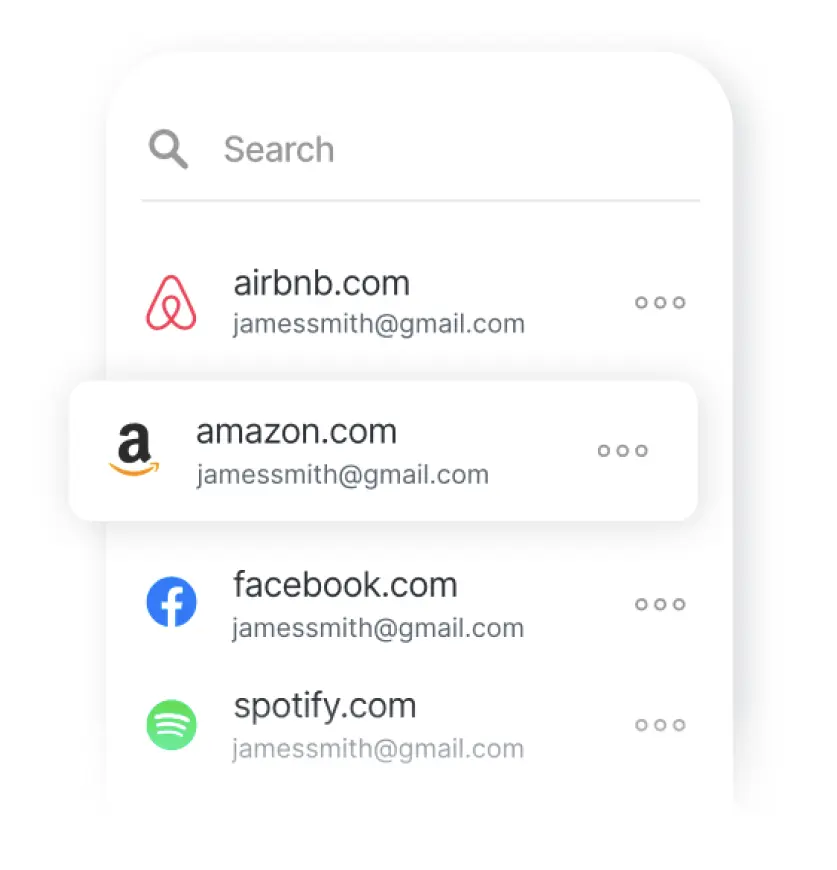
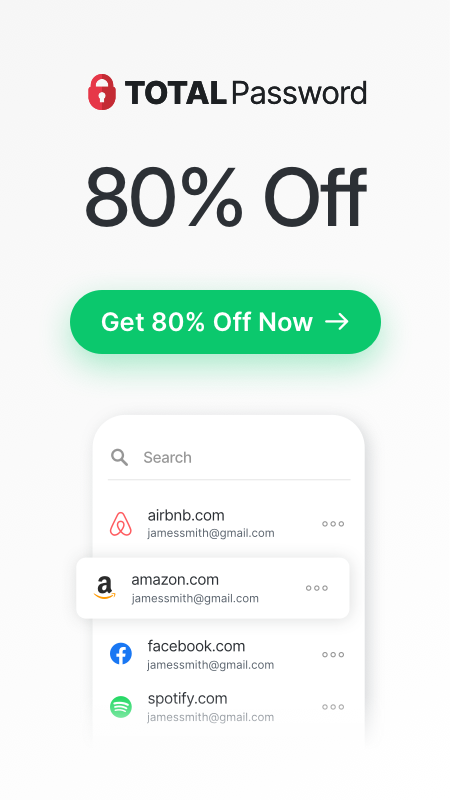
At the heart of Total Password is its encrypted vault.
Every password, credit card detail, and personal identity you save is protected using AES-256 encryption. This is the same encryption standard used by governments and security professionals around the world. It’s widely considered unbreakable with current technology.
Your vault is accessible only through your master password. This means that even if someone gained access to the encrypted data itself, they wouldn’t be able to read it without your master password. Total Password doesn’t store your master password on its servers, so only you can open your vault.
Beyond passwords, you can also store:
- Credit card details: fill in payment information quickly and securely when shopping online
- Personal identities: save your name, address, and other details for faster form-filling
- Secure notes: keep sensitive information like Wi-Fi passwords or software license keys in one safe place
Generate Strong, Unique Passwords With One Click
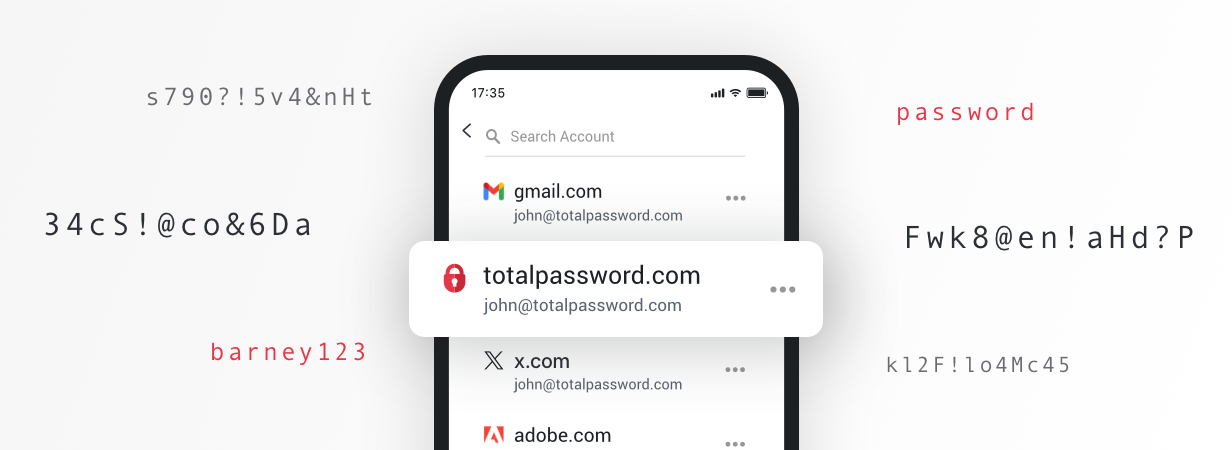
One of the biggest risks online is using weak or repeated passwords. A password like “Summer2026!” might feel secure, but if it’s been exposed in a breach, hackers already have it in their databases. And if you’ve used it on more than one site, every account with that password is now at risk.
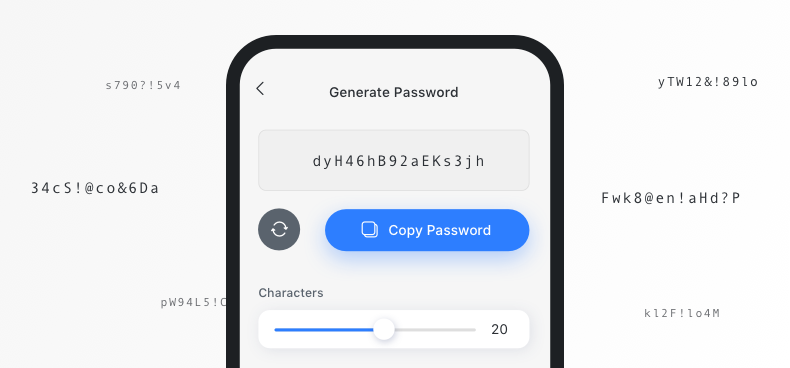
Total Password solves this with its built-in password generator. With a single click, it creates a completely random password which is long, complex, and impossible to guess. Each password is unique to that specific account, so even if one website gets breached, your other accounts remain safe.
You can customise the generated passwords too. Need a password that’s 20 characters long with special symbols? Done. Does a website limit you to 16 characters with no spaces? Total Password adjusts to meet those requirements.
Sync Across All Your Devices and Auto-Fill Your Logins
One of the most frustrating things about managing passwords is switching between devices.
Total Password eliminates this problem completely. Your encrypted vault syncs across every device where you have Total Password installed.
The auto-fill feature is where Total Password really saves you time day to day.
When you visit a website where you have a saved login, Total Password detects it and fills in your username and password automatically. No searching, no typing, no copy-pasting from a notes app.
Supported Platforms: Use Total Password Everywhere
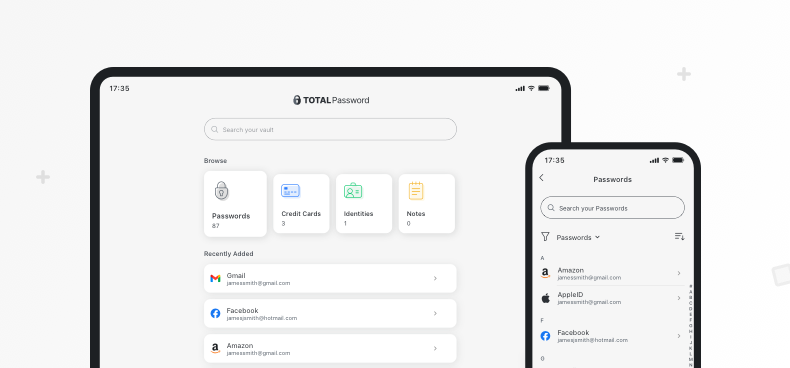
Total Password is designed to work wherever you do. Whether you’re on a desktop computer, a laptop, a phone, or a tablet, there’s a version of Total Password ready for you.
Desktop Browser Extensions
On desktop, Total Password works as a browser extension. Install it once, and it integrates directly into your browsing experience. It’s available for:
- Google Chrome
- Microsoft Edge
- Safari
- Opera (available through the Chrome Web Store)
- Brave (available through the Chrome Web Store)
The extension sits in your browser toolbar, ready to generate passwords, auto-fill logins, or open your vault whenever you need it.
Mobile Apps
For phones and tablets, Total Password has dedicated apps available on:
- Android 5.0+: available on the Google Play Store
- iOS 12.0+: available on the App Store
The mobile apps support biometric login (fingerprint or face recognition), so you can access your vault quickly and securely without typing your master password every time.
Security Report: Stay on Top of Your Password Health
Having a password manager is a great first step, but how do you know if your existing passwords are actually strong enough? Total Password includes a built-in Security Report that gives you a clear picture of your overall password health.
The Security Report scans all your saved passwords and checks for:
- Weak passwords: short or simple passwords that could be guessed easily
- Reused passwords: the same password used across multiple accounts
- Compromised passwords: credentials that may have appeared in known data breaches
Each issue is flagged with a clear explanation of the risk and a recommendation for what to do next. In most cases, you can fix the problem in just a few clicks.
Total Password generates a new, stronger password and updates your vault automatically.
This feature is especially helpful if you’re just getting started with a password manager. Many people begin with hundreds of saved passwords, and a good number of those might be weak or reused.
The Security Report gives you a straightforward way to identify the most urgent risks and fix them one by one.
The Real Cost of Weak Passwords
To put things in perspective, consider what happens when a data breach occurs. A company’s database gets hacked, and millions of email addresses and passwords are leaked online. Attackers then take those credentials and run them against thousands of other websites automatically.
If you used the same password for that breached website and your email account, attackers now have access to your inbox. From there, they can reset passwords on your banking apps, shopping accounts, and social media profiles. The damage can spiral quickly.
The number of data breaches reported annually has been increasing year over year.
Total Password protects you from this chain reaction. Because every account gets its own unique, randomly generated password, a breach on one website doesn’t give attackers any useful information for your other accounts.
The damage stays contained.
How Total Password Compares to Browser-Based Password Saving
Most web browsers offer to save your passwords, and many people rely on this feature without a second thought. While it’s better than nothing, browser-based password saving has some real limitations:
- Limited encryption: browser-stored passwords are often accessible to anyone who can open your browser on your device
- No cross-platform syncing: if you use different browsers or operating systems, your passwords may not follow you
- No password health checks: browsers won’t tell you if your passwords are weak, reused, or compromised
- No password generation: most browsers offer basic password suggestions, but they’re not as customizable or reliable
Total Password addresses all of these gaps. Your passwords are encrypted with AES-256, synced across every device, checked for weaknesses, and generated to be as strong as possible.
Getting Started With Total Password
Setting up Total Password is straightforward, and you don’t need any technical knowledge to get going.
- Step 1: Install Total Password – Create an Account and download the browser extension from the Chrome Web Store, Microsoft Edge Add-ons, or Safari Extensions. For mobile, grab the app from the Google Play Store or Apple App Store.
- Step 2: Create Your Master Password– Choose a strong master password. This is the one password you’ll need to remember. Make it long, unique, and something only you would know. Consider using a passphrase (a string of random words) for something that’s both strong and memorable.
- Step 3: Import Your Existing Passwords – If you have passwords saved in your browser or another tool, Total Password can import them directly. This saves you from having to re-enter everything manually and gets your vault populated in minutes.
- Step 4: Start Browsing – As you visit websites, Total Password will offer to save new passwords and auto-fill existing ones. Over time, your vault becomes your complete, secure record of every login you own.
- Step 5: Run Your Security Report – Once your passwords are imported, run the Security Report to see which passwords need updating. Work through the flagged items, and let Total Password generate stronger replacements.
That’s it. From here, Total Password works in the background, saving, generating, and filling in passwords so you can focus on what actually matters.
If you’d like to see password generation in action before signing up, try our FREE Random Password Generator. It’s a quick way to see just how easy creating a secure password can be.
Your Passwords Are The Keys To Your Digital Life
With data breaches happening more frequently and attackers growing more sophisticated, relying on memory or reusing passwords is a risk that’s simply not worth taking. Total Password gives you a simple, secure way to protect every account you own.